

CONNECT
SPH3RE's virtual meeting rooms and Rooms allow for remote teams to work together in a virtual environment, enhancing collaboration and productivity.
Building a virtual world, one room at a time.
Building a virtual world, one room at a time.
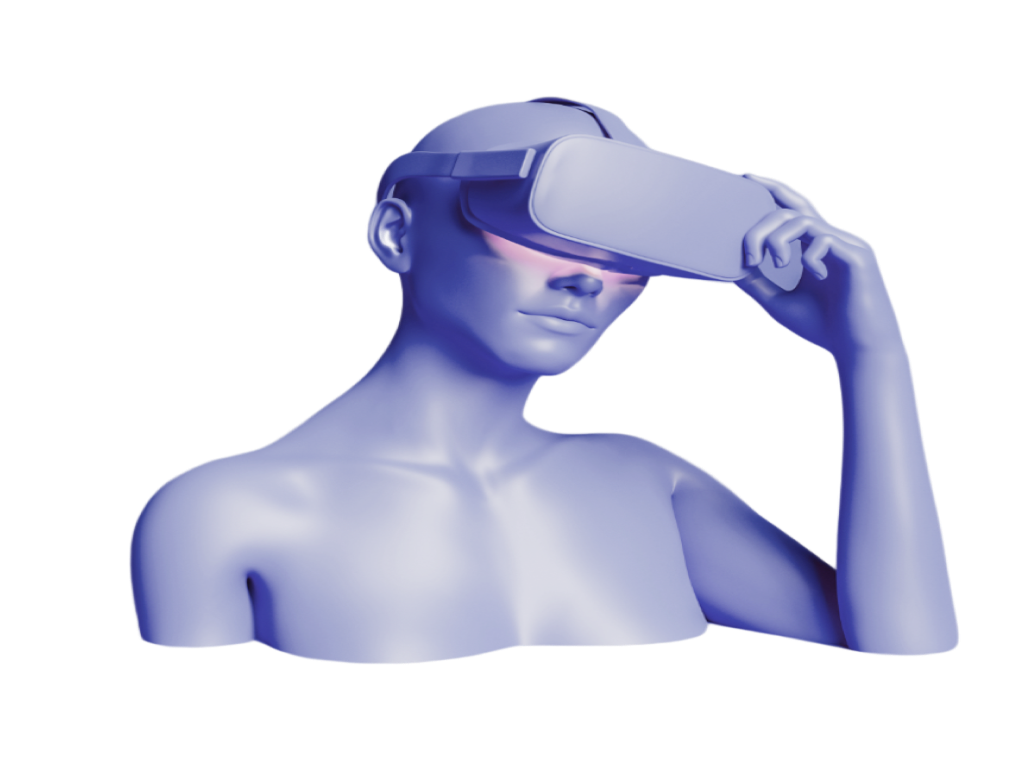
SPH3RE is a virtual reality platform that brings people together in immersive digital spaces. Connect, interact, and explore shared experiences beyond the boundaries of the physical world.
SPH3RE's virtual meeting rooms and Rooms allow for remote teams to work together in a virtual environment, enhancing collaboration and productivity.
The platform's in-game economies and Rooms allow for the creation of unique and immersive gaming experiences, as well as the ability to monetize in-game items.
The platform's virtual spaces can be used for socializing and building communities, allowing users to connect with others in a unique and engaging way.
Download SPH3RE for your device.
SPH3RE is designed for compatible Meta Quest headsets. See the Download section above to get SPH3RE.
Download SPH3RE for your VR headset and follow the installation instructions. Once installed, launch the app to get started. You can also watch our Getting Started video for a step-by-step guide.
Try restarting SPH3RE and your VR headset. Make sure your device has enough storage and is running the latest supported system software. If the issue continues, refer to the Getting Started guide for additional help.